Tutorial
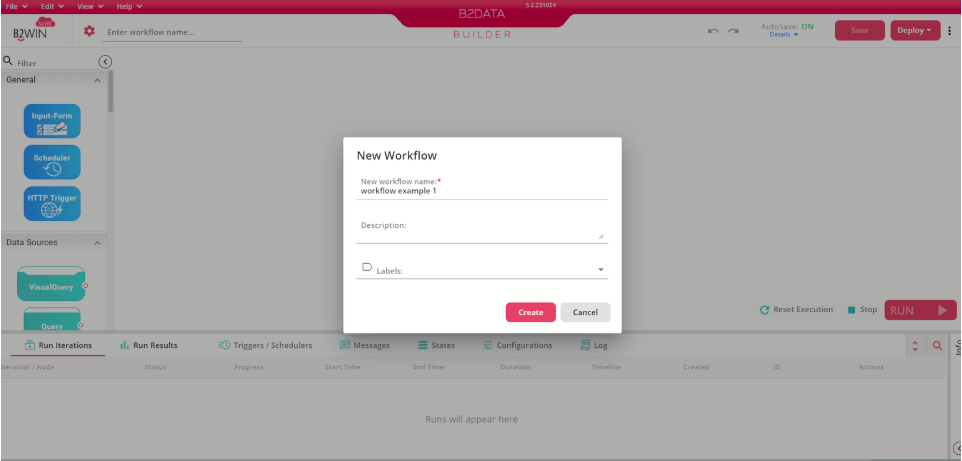
Create a new Workflow
Create a new workflow in your B2Data environment.
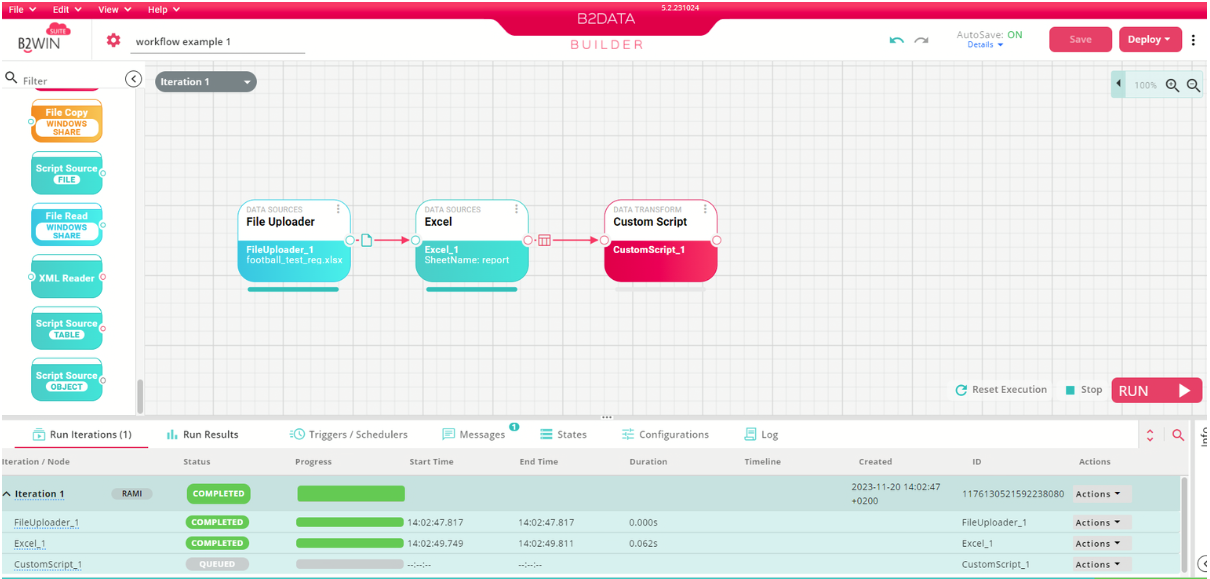
Add Nodes to your workflow
In the left section you can find a list of nodes that you can use to build your workflow. Six of these nodes allow scripting usage which include: Source Script Nodes, Custom Script and Condition.
Edit your Custom-Script Node
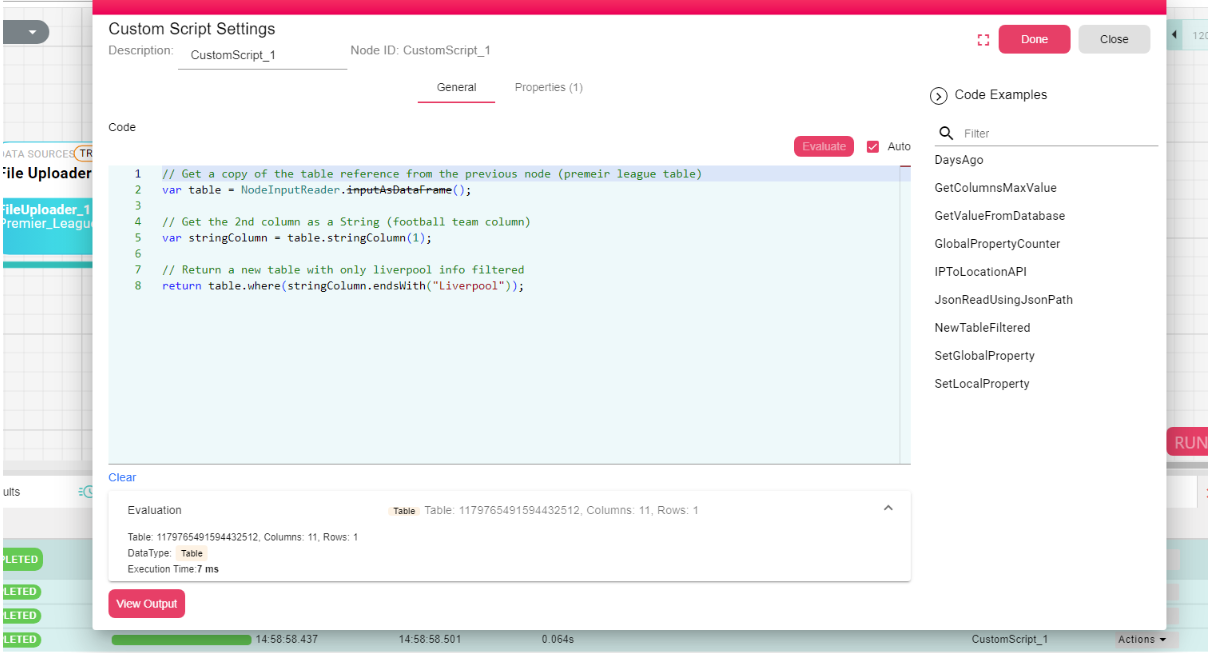
Double click on Custom Script node to write a script.
*Feature to write scripts is available in the following nodes.
For example, you can write a script to return a filtered table from the table received from previous nodes:
// Get a copy of the table reference from the previous node (premier league table)
var table = NodeInputReader.inputAsDataFrame();

// Get the football team column by column name
var stringColumn = table.stringColumn("Team");

// Return a new table with only Liverpool info filtered
return table.where(stringColumn.endsWith("Liverpool"));
Use the functions and classes you learn in B2Win Suite Scripting to write your own script.