Copy File (SFTP)
This node copies the input file to a remote directory over SFTP (SSH File Transfer Protocol). Use it to securely transfer files to any SFTP-capable server as part of your workflow.
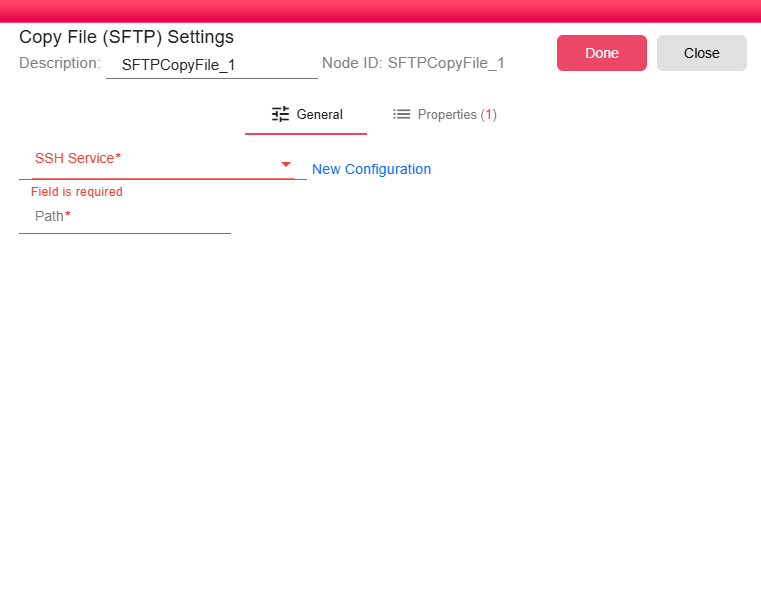
Configuration
-
SSH Service (required): Select an existing SSH Service configuration that holds the connection details (host, port, credentials) for the target SFTP server. Click New Configuration to create one on the fly if no suitable service exists yet.
-
Path (required): The destination directory path on the remote server where the file will be copied. You can use workflow properties to make the path dynamic — for example:
/uploads/{{year}}/{{month}}/.
Notes
- The file is transferred using the secure SFTP protocol over an encrypted SSH channel.
- If the destination directory does not exist on the remote server, the transfer will fail. Ensure the path is valid and that the SSH service user has write permissions.
- Properties resolved at runtime can be embedded in the Path field to route files to dynamic locations based on the current iteration context.