DB Table Push
This node receives a DataFrame as input and writes its data into the selected database table.
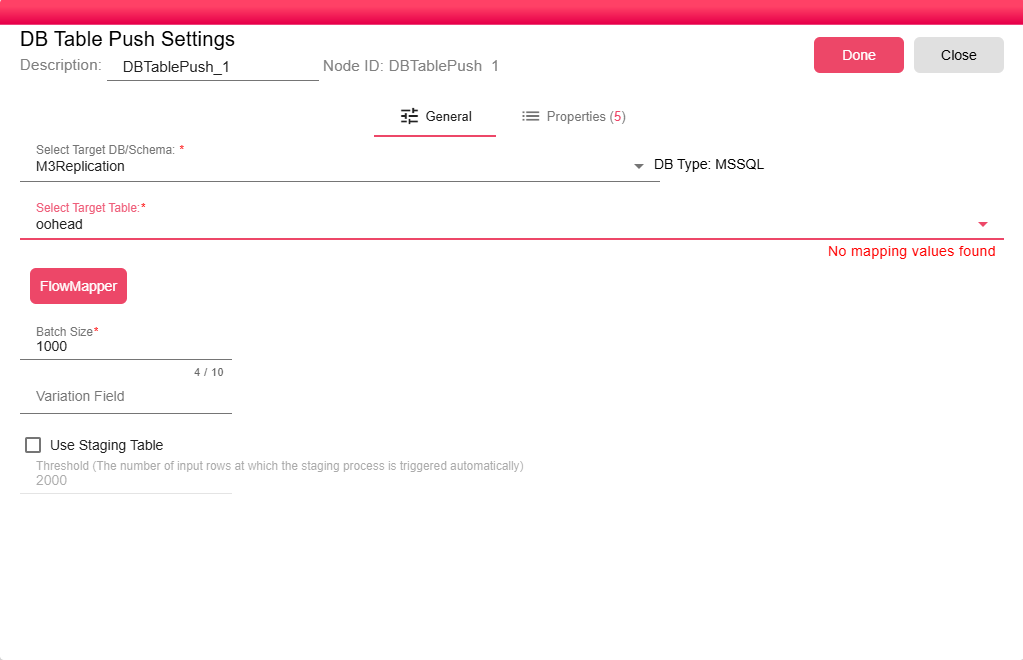
It uses the FlowMapper interface, allowing users to visually map each input field to the corresponding destination table field.
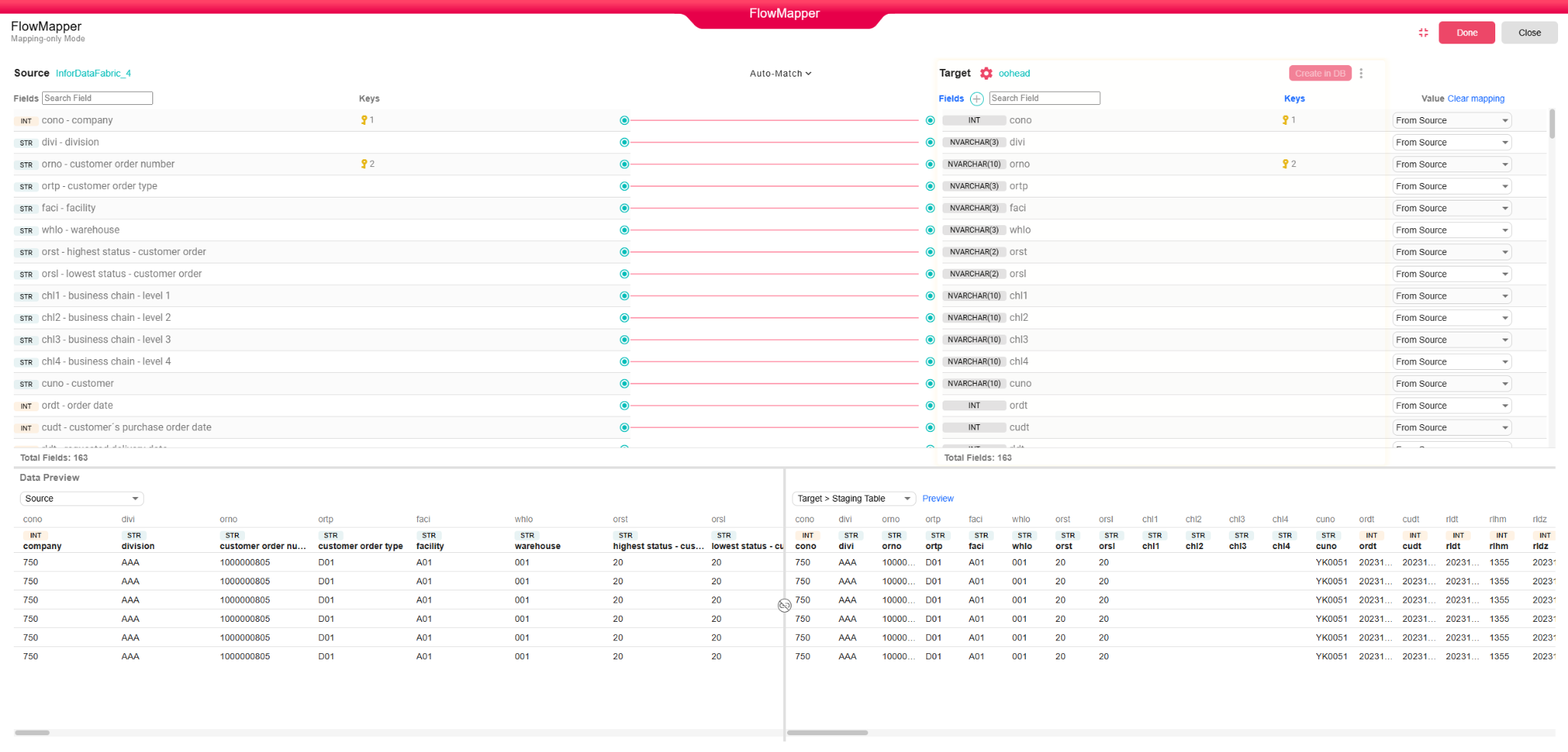
The destination table can be:
-
An existing table, where data will be appended or updated.
-
A new table, created automatically based on the defined mapping.
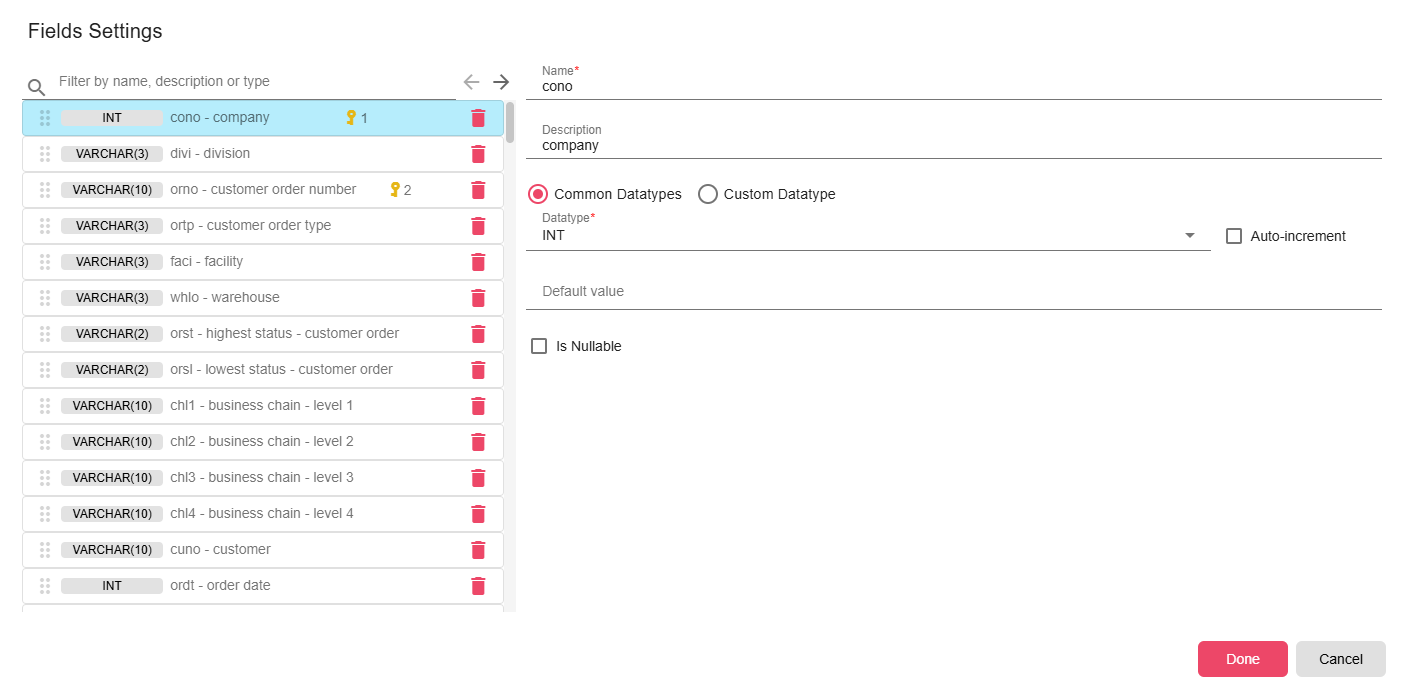
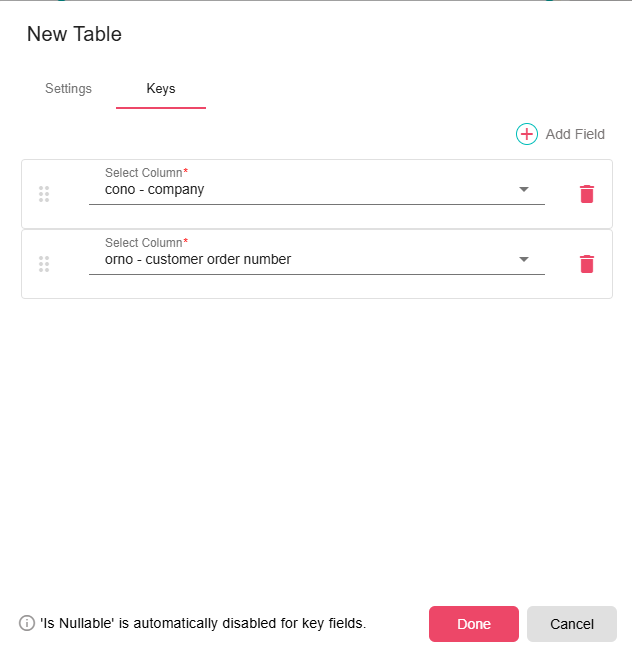
For a new table, the user can edit the field names, data types, and set the primary keys.
Mapping Types
Each row in the FlowMapper lets you choose how the destination column value is supplied. The available mapping types are:
| Mapping Type | Description |
|---|---|
| DB Default | Leaves the column value to be set by the database default (e.g. a default value or auto-increment defined on the table). |
| From Source | Takes the value directly from the matching input DataFrame column. |
| Script | Evaluates a script expression at runtime, allowing transformations and computed values before insertion. |
| Static | Writes a fixed literal value to the column for every row. |
| Unmapped | Skips this column — no value is written for it. |
Field mappings support advanced scripting and transformations, enabling flexible data conversions, computed values, and conditional logic before insertion.

Tip: For simpler push scenarios where you do not need visual mapping, see DB Push, which automatically handles column alignment based on table schema.