Send Email (Gmail)
The Send Email (Gmail) node allows you to send emails using the Gmail API via a Google Service Account. This method provides a secure, server-to-server integration without needing to store user passwords. The node accepts any input type; when the input is a file it is automatically attached to the outgoing email.
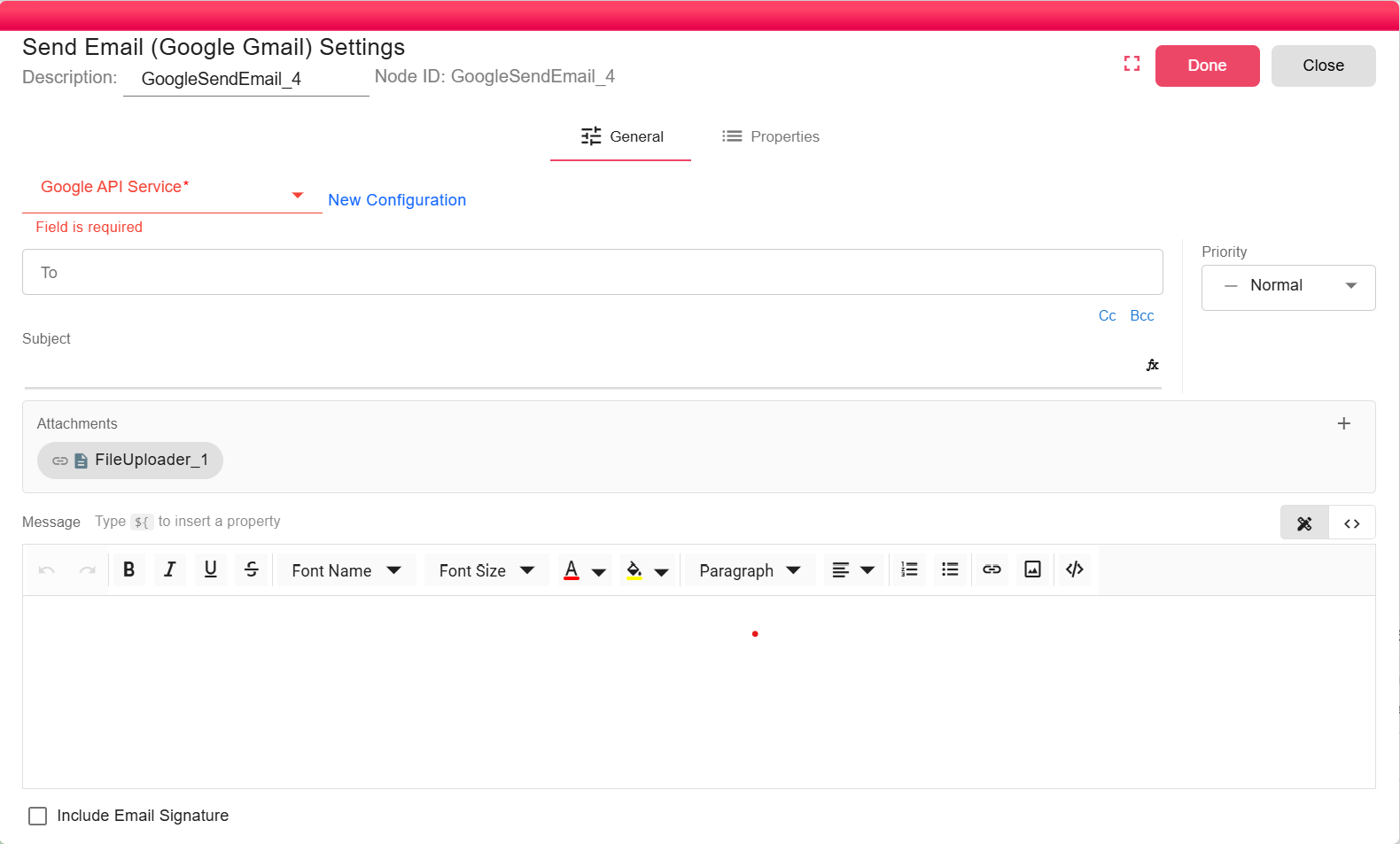
Configuration
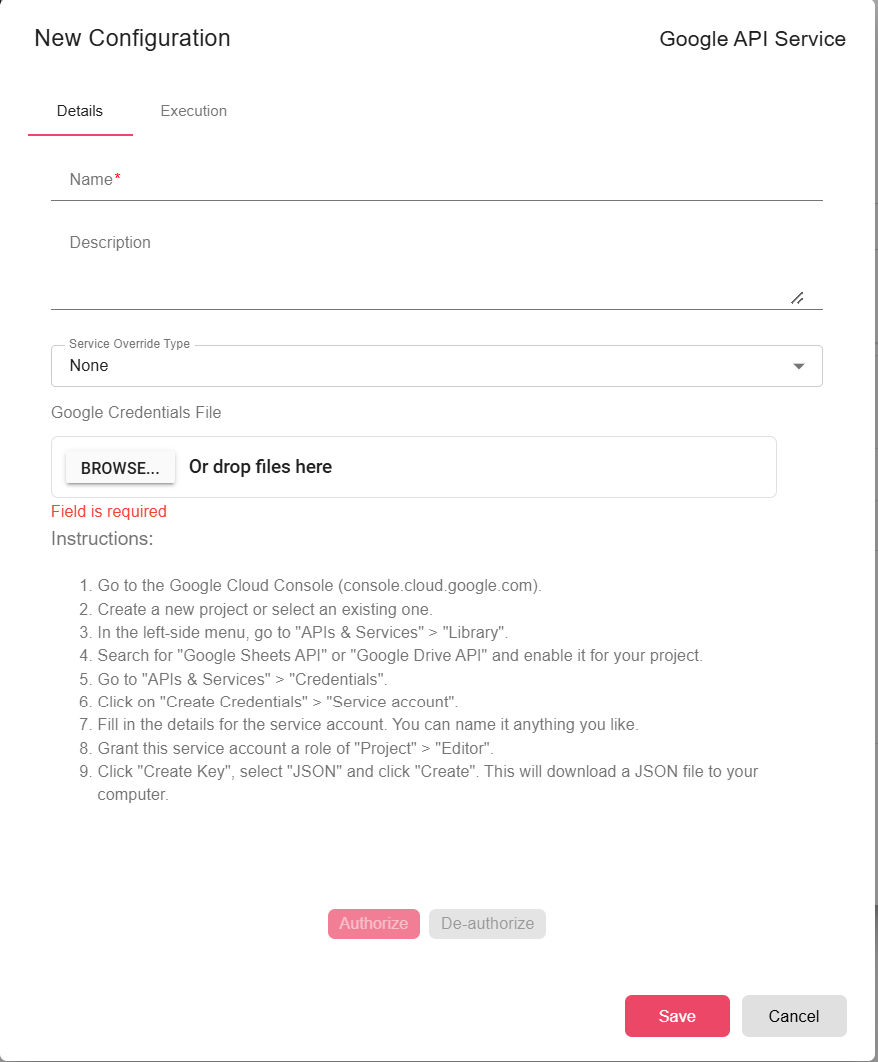
Select an existing Google API Service configuration or click Add to create one. See Google API Service for setup instructions.
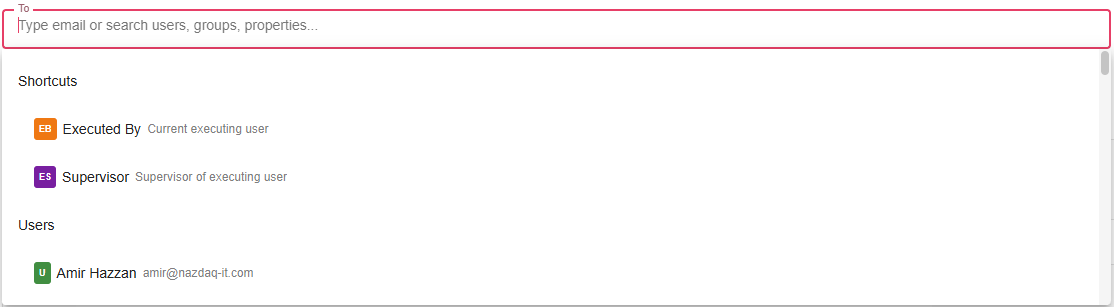
To
Specify the recipient's email address. You can use properties to get dynamic results. You can also use pre-defined shortcuts and properties like "Executed By" — email of the current executing user, or "Supervisor" — email of the supervisor of the current executing user.
Subject
The subject line of the email. You can use properties here to get dynamic results as well.
Message
The body text is available as a text editor or a code editor (HTML). To switch to the HTML code editor, click Code Editor on the right:

Message also supports properties: type ${ to insert a property.
Detach
Check the Detach option if you want to send the notification without attaching the incoming file.

Priority
You can specify the priority of the email: Low, Medium, or High.
Request Receipt
You can request a delivery/read receipt from the recipient.
Include Email Signature
Specify whether you wish to include or exclude your pre-defined Gmail email signature.