Read File (FTP)
Using this node you can read a file from a remote server over FTP (File Transfer Protocol). The file is downloaded and passed as output to the next node in the workflow.
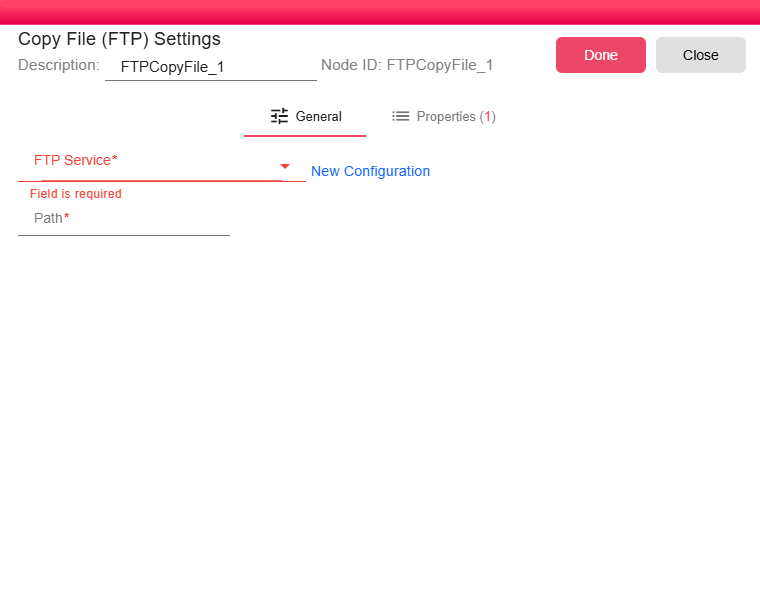
Configuration
-
FTP Service (required): Select an existing FTP Service configuration that holds the connection details (host, port, credentials, passive/active mode) for the target FTP server. Click New Configuration to create one on the fly if no suitable service exists yet.
-
Full Path (required): The full path to the file on the remote FTP server, including the filename. For example:
/outbox/reports/invoice.pdf. You can embed workflow properties in the path to make it dynamic.
Notes
- For secure file transfers, prefer the Read File (SFTP) node which uses an encrypted SSH channel instead of plain FTP.
- The Full Path must include the filename — this node reads a single specific file, not a directory listing.
- Use workflow properties in the path to dynamically resolve the file location at runtime based on the current iteration context.