Fill Template (Excel)
Generates a new Excel file based on an Excel data file and a base template Excel sheet.
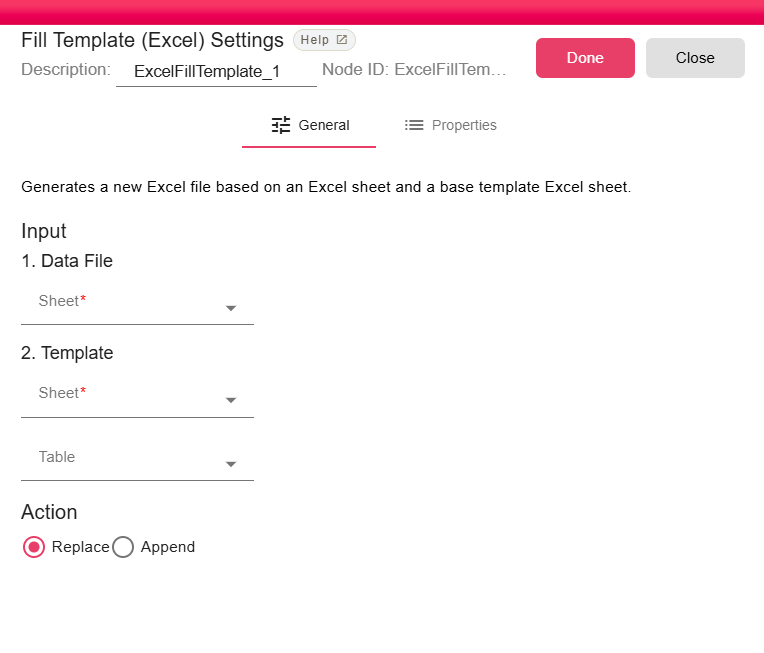
Configuration
Input
The node accepts two inputs:
1. Data File
The Excel file containing the data to be written into the template.
- Sheet — Select the sheet within the Data File to use as the data source.
2. Template
The base Excel file that defines the structure and formatting of the output.
- Sheet — Select the sheet within the Template file to use as the target.
- Table — Optionally select a specific Excel Table within the template sheet where the data will be placed.
Action
Controls how the data is written into the template:
| Option | Description |
|---|---|
| Replace | Replaces the existing data in the template table with the new data. |
| Append | Appends the new data after the existing data in the template table. |