Sign PDF
The Sign PDF node is used to apply a digital signature to a PDF document.
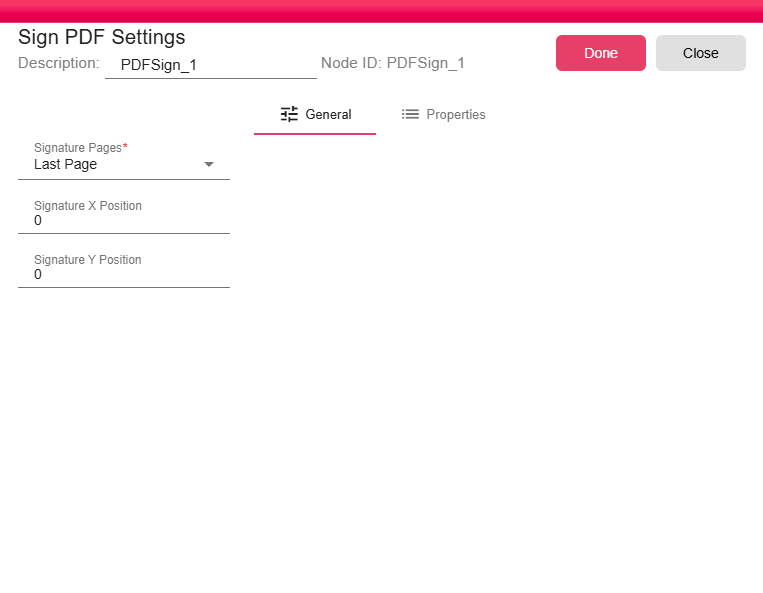
Configuration
Signatures are configured in Home->Me->Profile->Signature
- Signature Pages: This required field determines on which page(s) of the PDF the signature will be placed. The options are:
- None (skip signing): No signature will be applied.
- First Page: The signature will be added to the first page of the document.
- Last Page: The signature will be added to the last page of the document.
- All Pages: The signature will be applied to every page of the document.

- Signature X Position: Sets the horizontal (X-axis) coordinate for the signature's position on the page.
- Signature Y Position: Sets the vertical (Y-axis) coordinate for the signature's position on the page.