Main
To change the workflow main settings, on the header click on Settings icon:

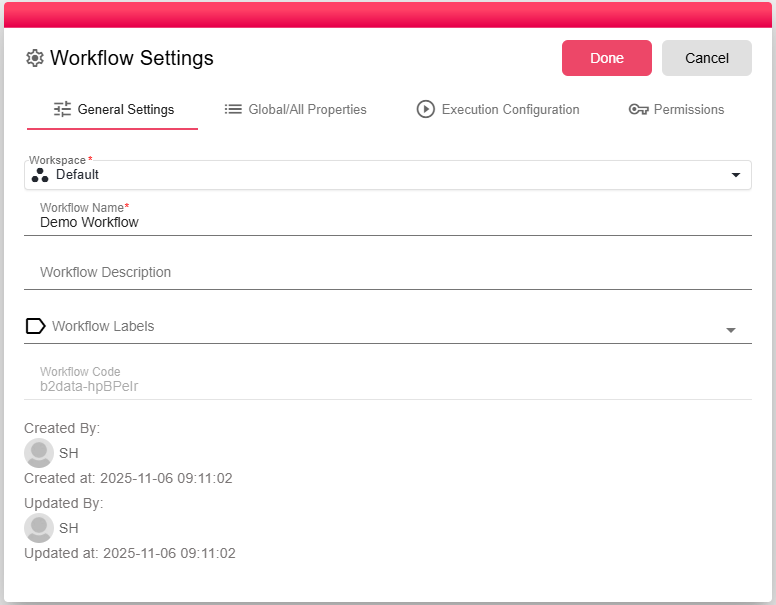
And a window will appear.
- Workspace - the workspace that this workflow is in.
- Workflow name - The name that will appear to users when printing the report or to the other developers in the manager list.
- Description of the workflow, it's something to help you describe what the workflow does.