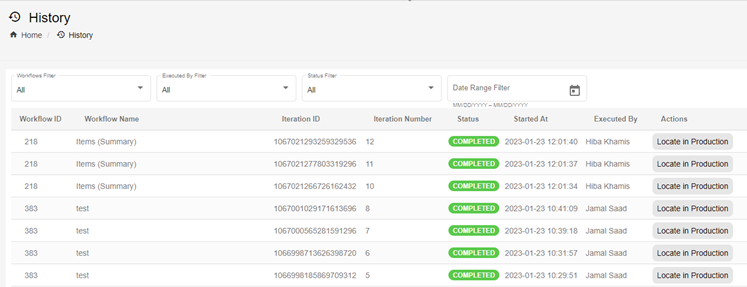
History
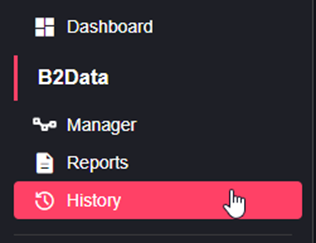
Under History on the sidebar there you can click on B2Data to get its history.
Runs
You will be able to see all the runs you did, you can filter the Runs by workflow, executed by, status (aborted, completed, failed, running …) and by date range. You can also choose one run and click on "Locate in Production" which will open the B2Data Manager in production environment with the chosen run workflow selected.