Business Partners
Add business partner
Click on the Business partner tab to see all business partners
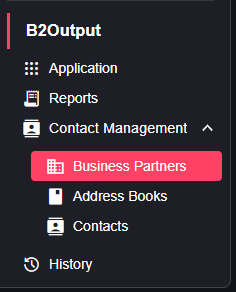
You can add a new one by clicking on the Add business Partner button at the right top of the page

You will be redirected to a form which you must fill then click the add button to finish adding a new business partner
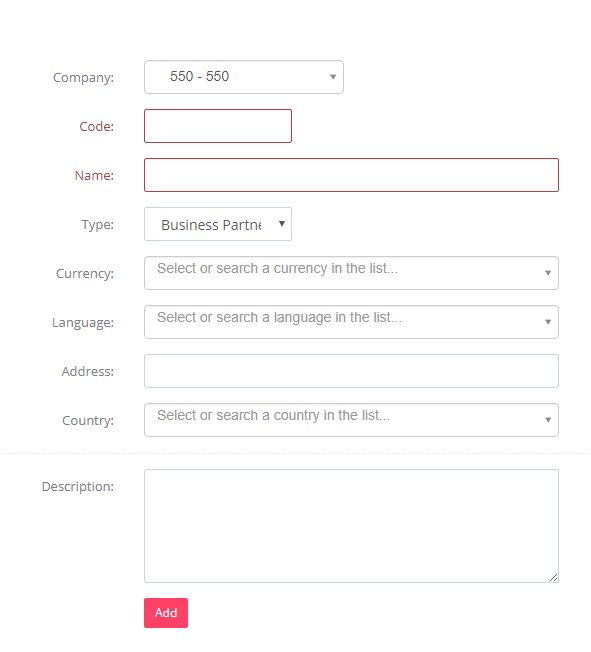
Edit business partner
To edit a business partner click on the edit button in the action column of the desired Business Partners from the list.
 You will be able to edit the details that you want, as you will be able to see a new tab where you can add Business Partner Contacts
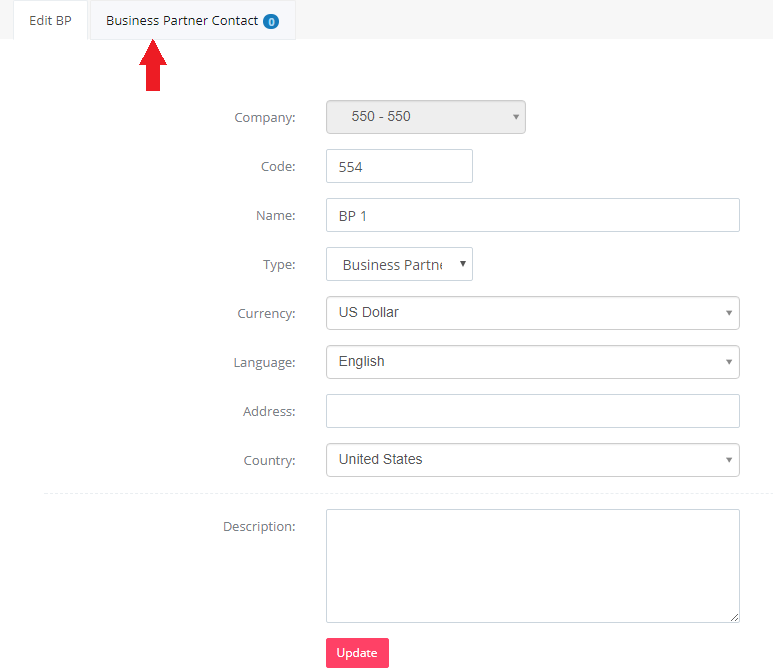
Add business partner Contacts
You can add business partner contact by clicking on the Add Business partner contact button on the right top side, but you have to make sure you have inserted an address book first.

Where you will be redirected to a form where you have to assign the address book and contact to this Business partner