Export/Import Workflow
Export Workflow
- Navigate to Settings → Export Workflow.
- Choose one of the following export options:
| Option | Description |
|---|---|
| As Template | Exports only the workflow structure without any data. |
| Configurations Only | Exports settings such as node parameters and global variables. |
| Configurations with Data | Exports settings along with the stored data. |
Import workflow
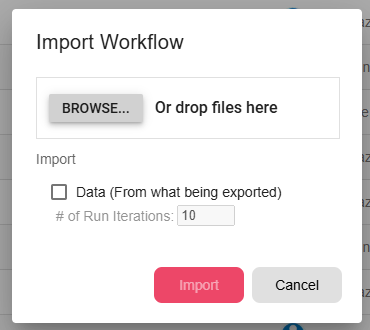
- Navigate to Settings → Import Workflow.
- Select the file to import.
- The workflow will be loaded into the editor.