General Usage
The B2Win Suite Device
B2Win Suite is installed as a device inside the BAAN system and can be used whenever you print an External Report from BAAN.
- Print the report to the B2Win Suite device.
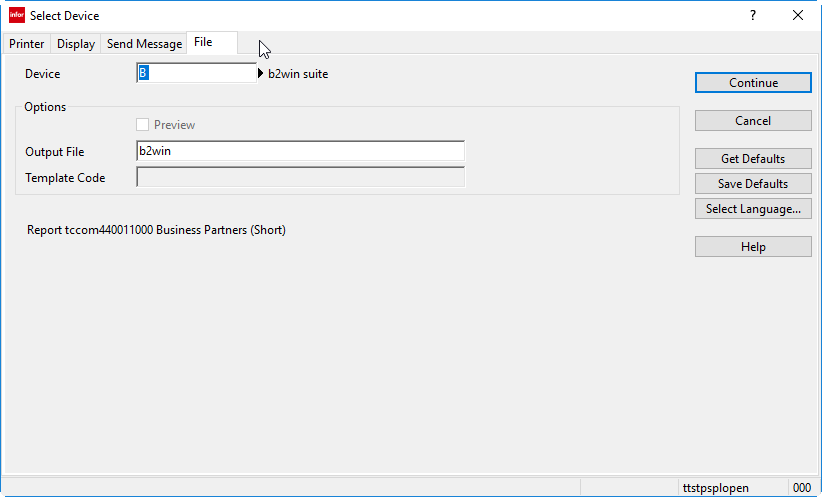
- When you click Continue, you may be asked to log in. If you are already logged in, B2Output opens in the browser.
Login & Sign-up
If this is the first time you open B2Win Suite device, in your browser you will see this form in order to set your details.
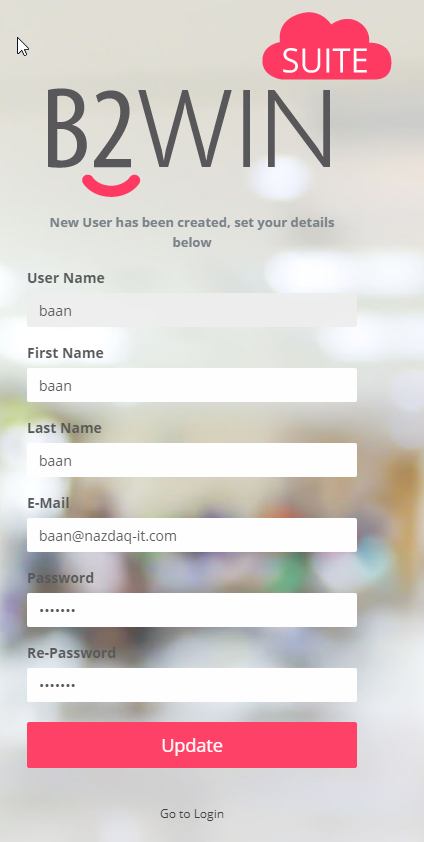
If you want to log in with a different username and password, click Go to Login at the bottom of the form.
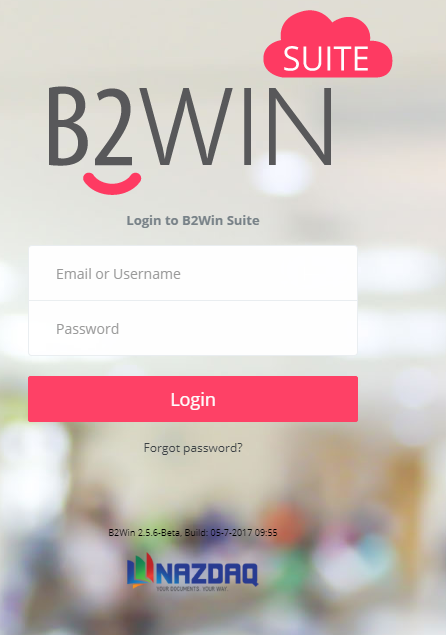
Login using the username and password you got from your Administrator.
B2Output - Application
Once you are logged in, B2Output page will be opened.
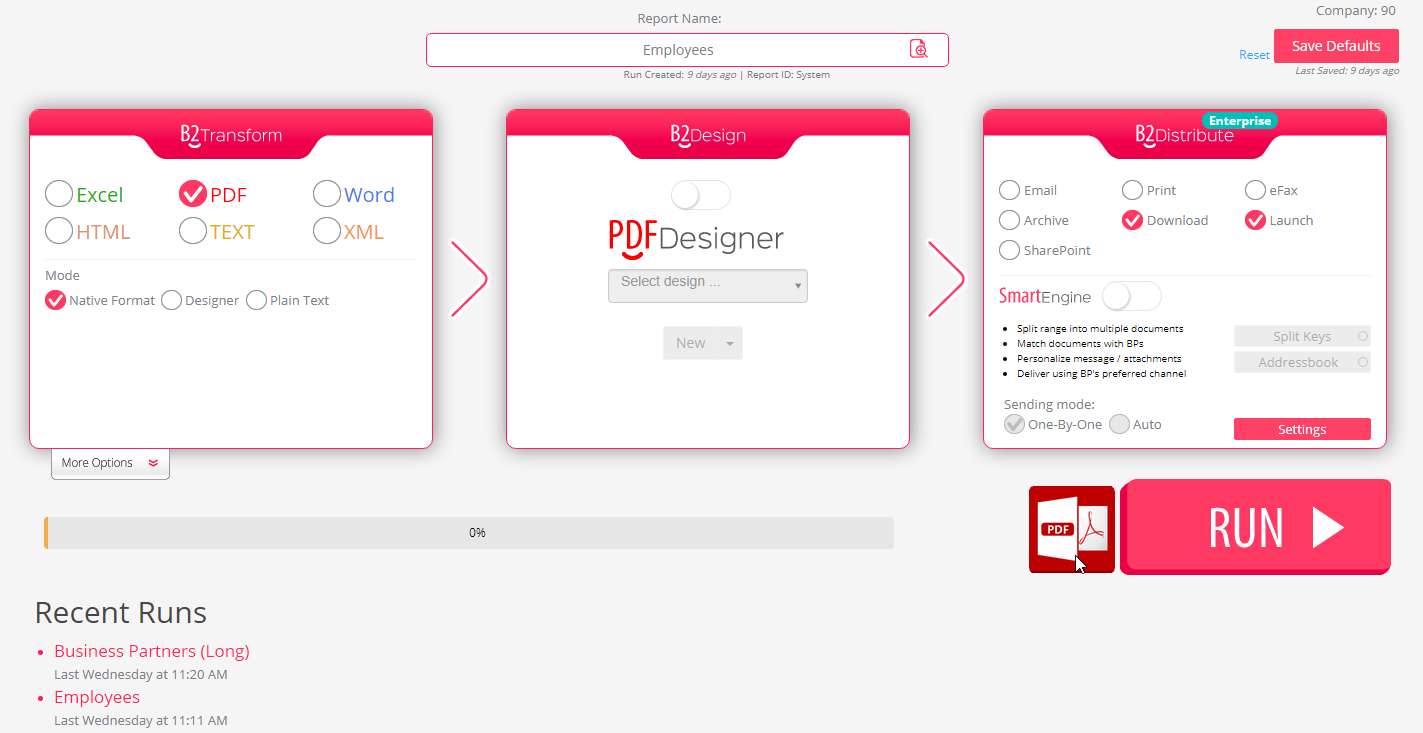
B2Output contains three applications: B2Transform, B2Design, and B2Distribute. The following chapters describe each one.
Run
Click on the Run button to run the conversion with the settings in B2Transform, apply the design in B2Design and distribute the output according to the settings in B2Distribute.

The system generates a file and sends it to the selected action. In the example above, the action is Launch, so the file opens directly. If Download is selected, the file is downloaded using the name specified in Output file name under the Settings button.
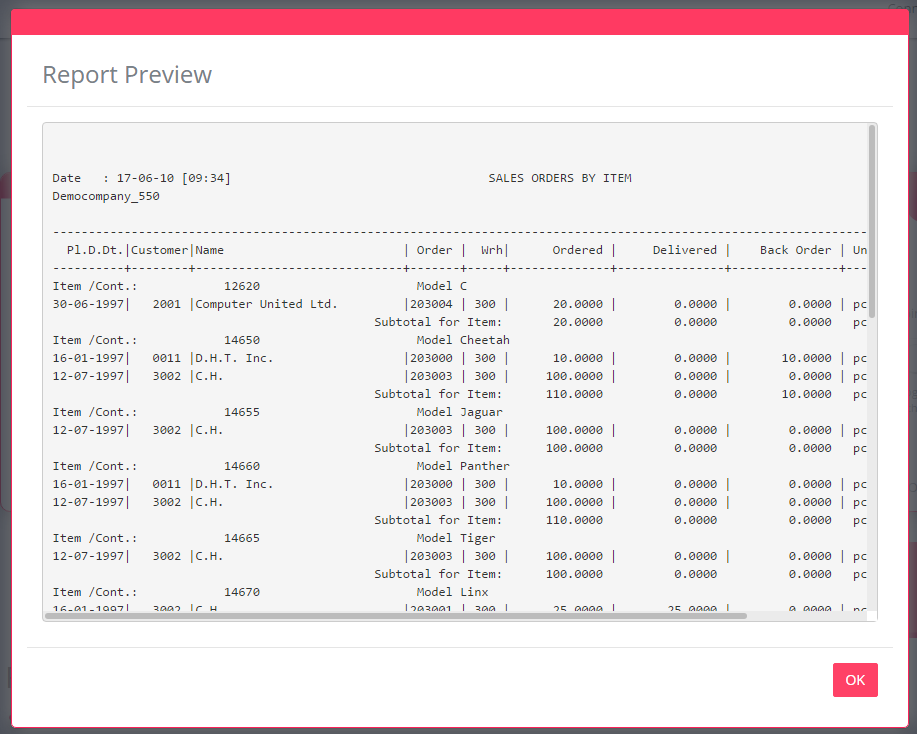
Report Preview
If the report is from BAAN then you can preview the original report by clicking on the preview button next to the report name.

Defaults
In B2Output, all settings can be saved. Each user gets their own saved defaults for the current report and company whenever they run the B2Win Suite device for that report in the same company. If the user has no saved defaults, the report defaults are applied first; if none are defined, the system defaults are used.
Save Defaults
Each user has a save button in the top-right corner of the screen to save default settings for this report in the same company.

Reset Defaults
To clear the defaults and start over with the predefined configuration for this report, click Reset next to Save Defaults.
Note: user defaults are deleted permanently and cannot be recovered.